
Cloud Backup vs Local Backup: Which Is Better for Your Business?
A practical look at cloud backup, local backup, and why many small businesses are best protected by using both.
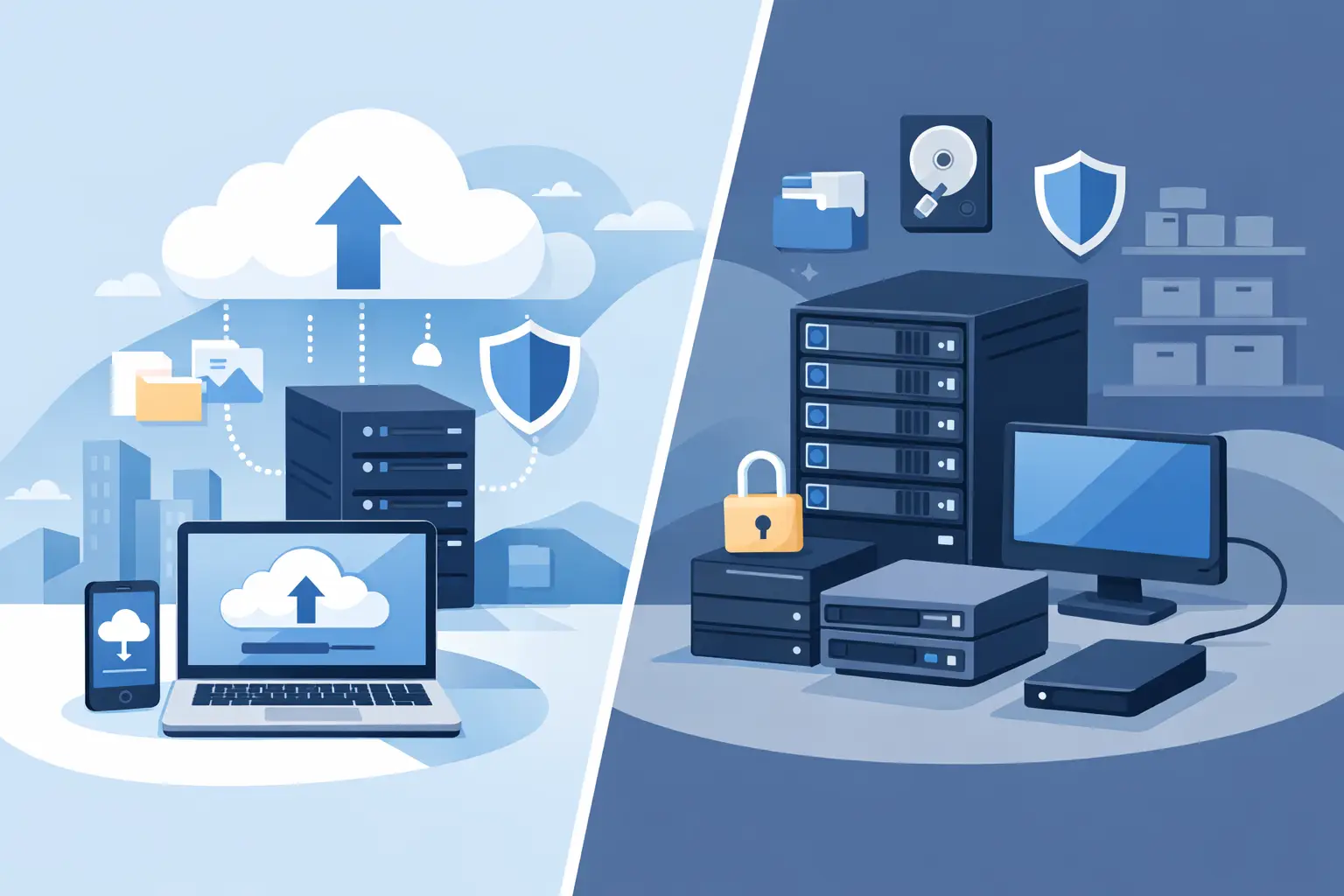
Backups are one of those things every business knows it needs, but many do not review until something goes wrong. A deleted file, failed server, ransomware attack, stolen laptop, or damaged office can quickly turn into a major business disruption if the backup plan is weak.
When small businesses compare backup options, the conversation usually comes down to cloud backup versus local backup. Both can be useful, but they solve different problems. The better question is not always which one is best. The better question is whether your business can recover quickly and reliably when something fails.
What Is Local Backup?
Local backup means your data is backed up to a device or system located at your office. This could be a dedicated backup appliance, a NAS, an external drive, or a local server.
The biggest advantage of local backup is speed. If a file, workstation, or server needs to be restored, local backups can often recover data faster than pulling everything down from the cloud.
- Fast restore speeds for large files and servers
- Useful when internet access is slow or unavailable
- Can support quick recovery for on-premise systems
- Good for businesses with large local datasets
Where Local Backup Falls Short
Local backup has one major weakness: it is usually in the same location as the business. If the office experiences theft, fire, flooding, hardware failure, power damage, or ransomware that reaches the backup device, the local backup may not be enough.
Local backups also need to be monitored. A backup device that has not successfully backed up in weeks does not help much during an emergency.
What Is Cloud Backup?
Cloud backup stores a copy of your data in an offsite cloud location. This can protect your business if something happens to the office, server, workstation, or local backup device.
Cloud backup is especially useful for protecting Microsoft 365 data, business documents, accounting files, server data, endpoint data, and critical files that need offsite protection.
- Offsite protection if the office or local hardware is damaged
- Helpful for ransomware recovery
- Can protect cloud services such as Microsoft 365
- Allows recovery even if the physical office is unavailable
Where Cloud Backup Falls Short
Cloud backup depends heavily on internet speed. Restoring a few files is usually simple, but restoring a full server or large dataset can take longer if the internet connection is limited.
Cloud backup also needs to be configured correctly. The business should know what is being backed up, how often backups run, how long data is retained, and how restores are tested.
Why Many Businesses Need Both
For many small businesses, the strongest approach is a hybrid backup strategy that uses both local and cloud backup. Local backup can help with fast recovery, while cloud backup adds offsite protection.
This layered approach reduces risk because the business is not relying on one backup location, one device, or one recovery path.
- Local backup helps with fast restores
- Cloud backup helps protect against site-level failures
- Multiple backup copies reduce single points of failure
- Offsite retention improves ransomware recovery options
Microsoft 365 Still Needs Backup
Many businesses assume that because their email and files are in Microsoft 365, they no longer need a separate backup. Microsoft 365 is reliable, but it is not the same thing as a dedicated backup strategy.
A separate Microsoft 365 backup solution can help recover deleted mailboxes, emails, OneDrive files, SharePoint documents, and Teams data from a previous point in time.
Important Backup Questions to Ask
Whether you use cloud backup, local backup, or both, the backup plan should answer a few important questions.
- What systems and files are being backed up?
- How often do backups run?
- How long are backups retained?
- Are backups stored offsite?
- Are backups protected from ransomware?
- How quickly can the business recover?
- When was the last successful test restore?
Backup Is Not Complete Until It Is Tested
A backup report that says “successful” is useful, but it does not fully prove the business can recover. Test restores are important because they confirm that files, mailboxes, folders, or systems can actually be recovered when needed.
Testing also helps identify gaps before an emergency. It is much better to discover a backup issue during a planned review than during a server failure or ransomware event.
Simple Recommendation
If your business only has local backup, add an offsite or cloud backup layer. If your business only has cloud backup, make sure recovery speed meets your operational needs. If your business relies heavily on Microsoft 365, consider a dedicated Microsoft 365 backup solution.
The best backup strategy is the one that gives your business a realistic recovery path for common problems and major disasters.
Final Thoughts
Cloud backup and local backup both have value. Local backup is often faster for recovery, while cloud backup provides offsite protection. For many businesses, the most reliable answer is not one or the other — it is both.
A+ Network Solutions helps small businesses review backup risks, protect Microsoft 365 data, configure backup systems, monitor backup health, and build practical recovery plans.
Need help reviewing your backup strategy?
A+ Network Solutions can help determine whether your current backup plan protects your business from deleted files, hardware failure, ransomware, and cloud data loss.
Request Support