
Does My Dental Office Need a Firewall for HIPAA?
What HIPAA actually says, why the router your internet provider gave you usually isn’t enough, and what a dental office firewall should do.
Does HIPAA require a firewall?
HIPAA doesn’t name “firewall” specifically, but in practice, yes, your office needs one. The HIPAA Security Rule is written to be technology-neutral. It requires you to assess the risks to your patients’ electronic health information and put reasonable safeguards in place to protect it. For any office connected to the internet, a properly configured business firewall is one of the most basic of those safeguards, and it would be very hard to justify not having one.
What does the HIPAA Security Rule actually require?
In plain terms, the current rule requires your practice to:
- Do a risk analysis: identify where patient data lives and what could threaten it
- Control who can access patient data, and keep records of that access
- Protect data while it’s sent over a network (for example, remote access to your server)
- Guard against malicious software and have a plan to recover from an incident
- Document your policies and train your staff
A firewall supports several of these at once: it controls what can reach your network, blocks known threats, secures remote connections and keeps logs.
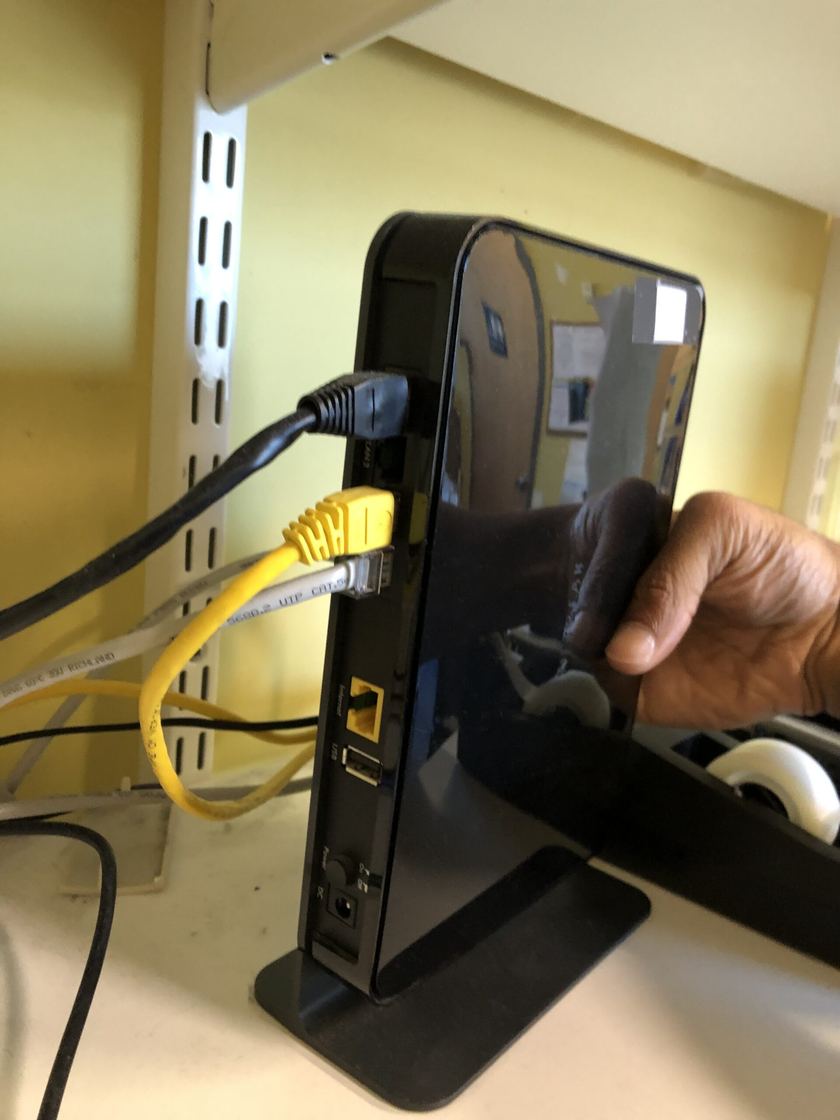
Isn’t the router from my internet provider a firewall?
It has a basic one, but it’s usually not enough for a healthcare office. Provider-supplied routers typically:
- Can’t separate your clinical computers from guest Wi-Fi, phones and other devices
- Keep little or no record of what happened on your network
- Don’t block known malicious websites or threats
- Get firmware updates on the provider’s schedule, if at all
- Are rarely checked or managed by anyone
What should a dental office firewall do?
- Separate your networks. Keep computers that access patient records apart from guest Wi-Fi, phones, TVs and other devices. If one of those is compromised, it can’t reach your patient data.
- Block threats automatically with current security subscriptions (malicious sites, known attacks, intrusion attempts).
- Secure remote access with a VPN protected by multi-factor authentication, never by opening your server directly to the internet.
- Keep logs so you can see what happened if something goes wrong.
- Stay updated and monitored by someone responsible for it.
Does guest Wi-Fi need to be separate?
Yes. Patients and visitors should never be on the same network as the computers that hold patient records. A proper firewall or business-grade wireless system puts guest Wi-Fi on its own isolated network, with internet access only.
Is a firewall enough to make my office HIPAA compliant?
No. A firewall is one piece. A practice also needs a documented risk analysis, reliable and tested backups, multi-factor authentication, up-to-date and protected computers, staff security training, and Business Associate Agreements with vendors who handle patient data.
Is HIPAA changing in a way that affects firewalls?
Possibly. In January 2025, HHS proposed the first major update to the HIPAA Security Rule in over a decade. As proposed, it would make several safeguards clearly required, including network segmentation (separating clinical systems from other devices), multi-factor authentication, encryption, a technology asset inventory and network map, and regular vulnerability scanning.
As of October 2026, that update is still a proposal, not law. The current Security Rule remains in effect, and the timing and final form of any new rule are uncertain. Still, every item on the proposed list is sound security practice today, and a properly set-up firewall covers much of the network side.
Who should manage our firewall?
Someone who will actually keep it updated, review its alerts and adjust it as your office changes. A firewall that was installed once and never touched again slowly becomes a weak point. Many practices have their IT provider manage it as part of monthly support.
Can A+ Network Solutions set up a firewall for our practice?
Yes. We design, install and manage business firewalls and networks for dental practices in Tampa, Brandon, Riverview and across Hillsborough County, including separating clinical and guest networks, secure remote access and ongoing monitoring.
This page is general information, not legal advice. For questions about your practice’s specific HIPAA obligations, consult a qualified healthcare attorney or compliance professional.
Not sure what’s protecting your network?
We’ll review your current router, Wi-Fi and remote access for free and tell you plainly what needs attention.
Book a free network review